BizTokTok · YG-POS AI
POS that runs on the store PC YG-POS AI
Sales, tables, and order history. Includes AI assistant and ops tools.
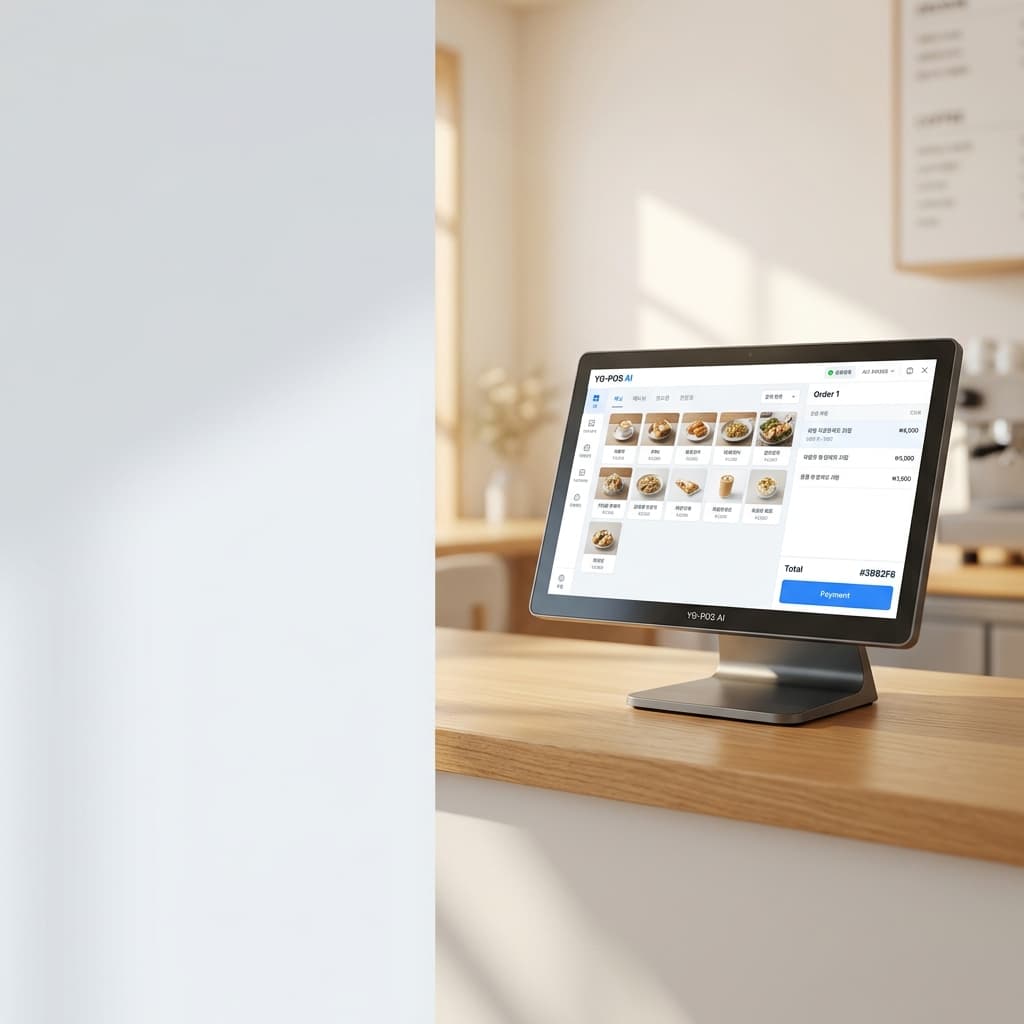
Main features
Counter sales and store operations.
Sales work offline
Counter sales run on the store PC. Server features require sign-in.
Table orders and web order
Handle hall tables and order history on the POS. Take table orders on a tablet with web order.
AI assistant and ops tools
Sales and top-item questions. Closing story, missing-order scan, payment failure guidance.
POS display language
Korean, English, Japanese, Simplified Chinese, Vietnamese, or Spanish. Change in app settings.
Screen preview
Sales, tables, orders, history, and menu screens.
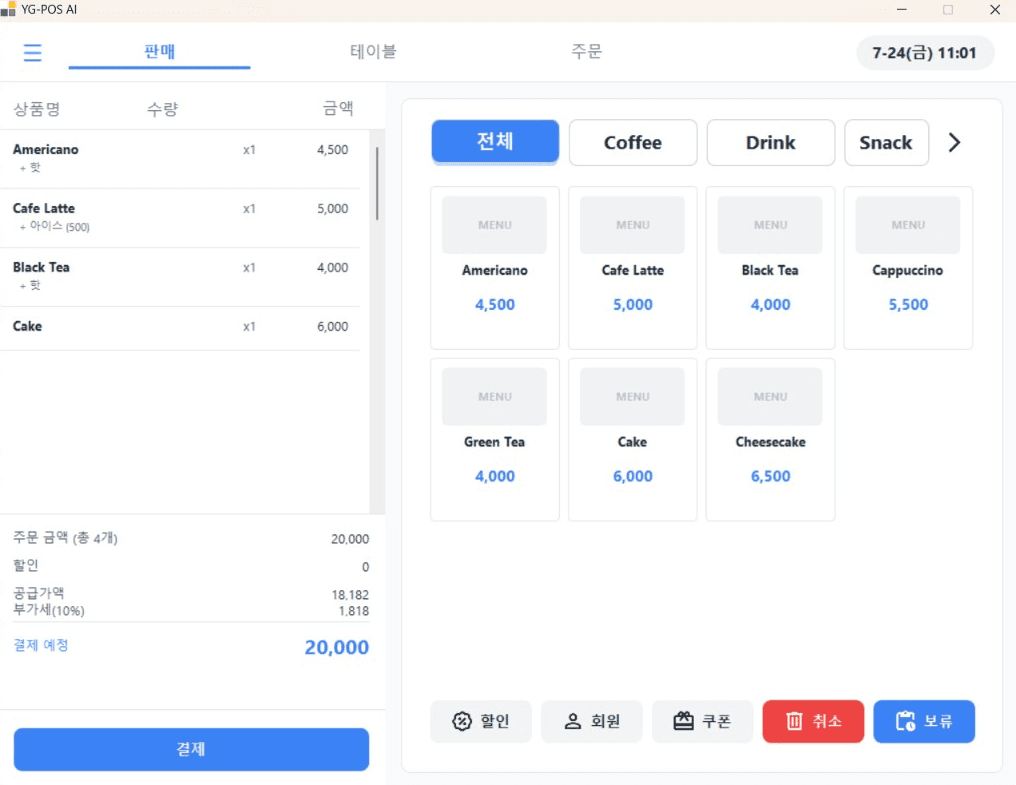
Menu, cart, and payment.
AI assistant · ops tools
Sales questions and ops checks
Ask about sales and top items. Closing story, missing-order scan, and payment failure guidance use store data. The AI assistant can use Upstage language models.
1.5.0 update and AI notes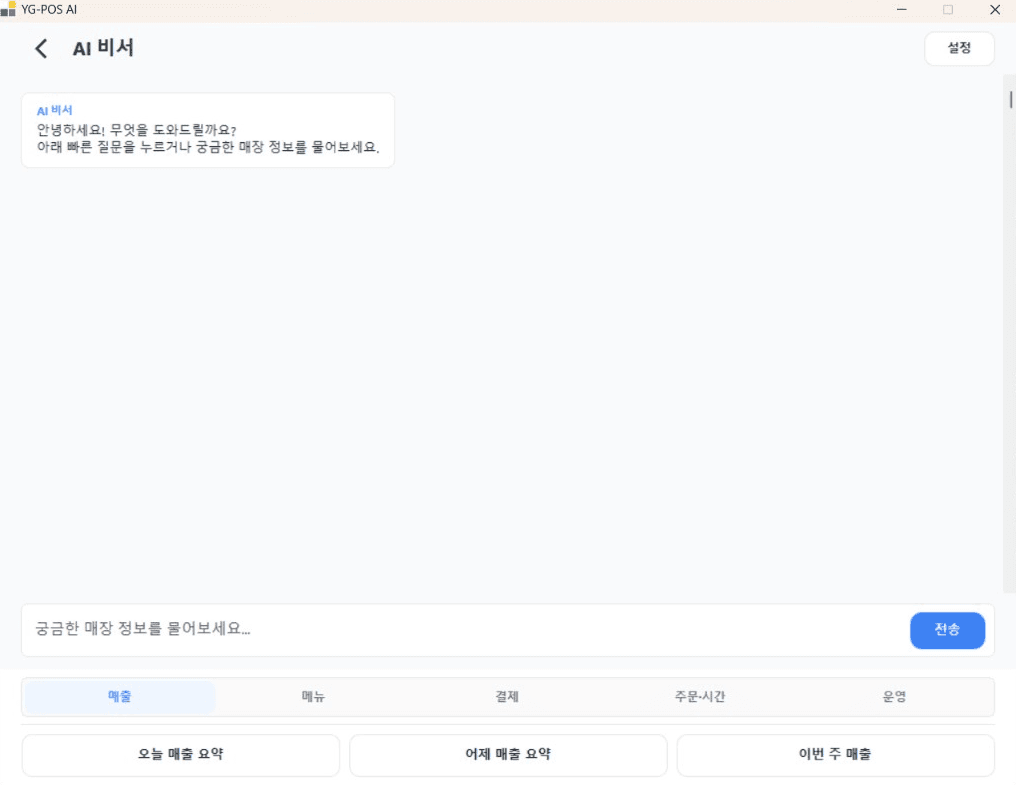
Manuals
Install, sales, tables, web order, AI.
- 영업속보·주문·인쇄 개선과 새 파스텔 테마 안내NEWYG-POS AI의 결제수단별 금액, 결제 확인, 주문 POS와 인쇄 개선을 안내합니다. 동화 (파스텔) 테마와 수량 입력용 숫자 키패드도 만나 보세요.
- YG-POS AI 1.7.0 업데이트 — 테이블 배치·크기와 외화 현금 결제NEW테이블을 매장 동선에 맞게 배치하고 크기를 조정하세요. 외화 현금 수취와 매장 통화 거스름돈 처리 방법도 안내합니다.
- YG-POS AI 1.6.0 업데이트 — 스코어보드 테마·3D 메뉴 이미지판매·테이블·주문·결제 화면에 스코어보드 테마를 추가했습니다. 3D 클레이 메뉴 대표 이미지 21종과 다국어 화면 표시 개선을 안내합니다.
- YG-POS 배달 리뷰 AI 초안 확인 게이트배달앱 리뷰에 AI 답글 초안을 받아 확인·수정한 후 배달 플랫폼에 등록하는 3단계 확인 절차와 등록 모드 설정 방법을 안내합니다.
Community
Share questions, reviews, and operating tips with other owners.
Biztoktok today
- Visitors
- 384today 7
- Members
- 4today 0
- Content views
- 311today 4
- Community posts
- 5today 0
- POS launches
- 865today 20
Visitors are counted once per day in Korea Standard Time. POS launches count program starts (no login required); figures refresh every few minutes.
Installer
Get the latest Windows installer.
1.5.0: web order, social sign-in, ops tools (closing story, missing-order scan, payment failure guidance).